
Let agents work for hours — inside a workflow you control.
Agents are unpredictable. Your business can’t be. You design the workflow — they do the open-ended part inside it.
Card required · priced per billable minute · your own ceiling
Let agents work for hours — inside a workflow you control.
Agents are unpredictable. Your business can’t be. You design the workflow — they do the open-ended part inside it.
Card required · priced per billable minute · your own ceiling
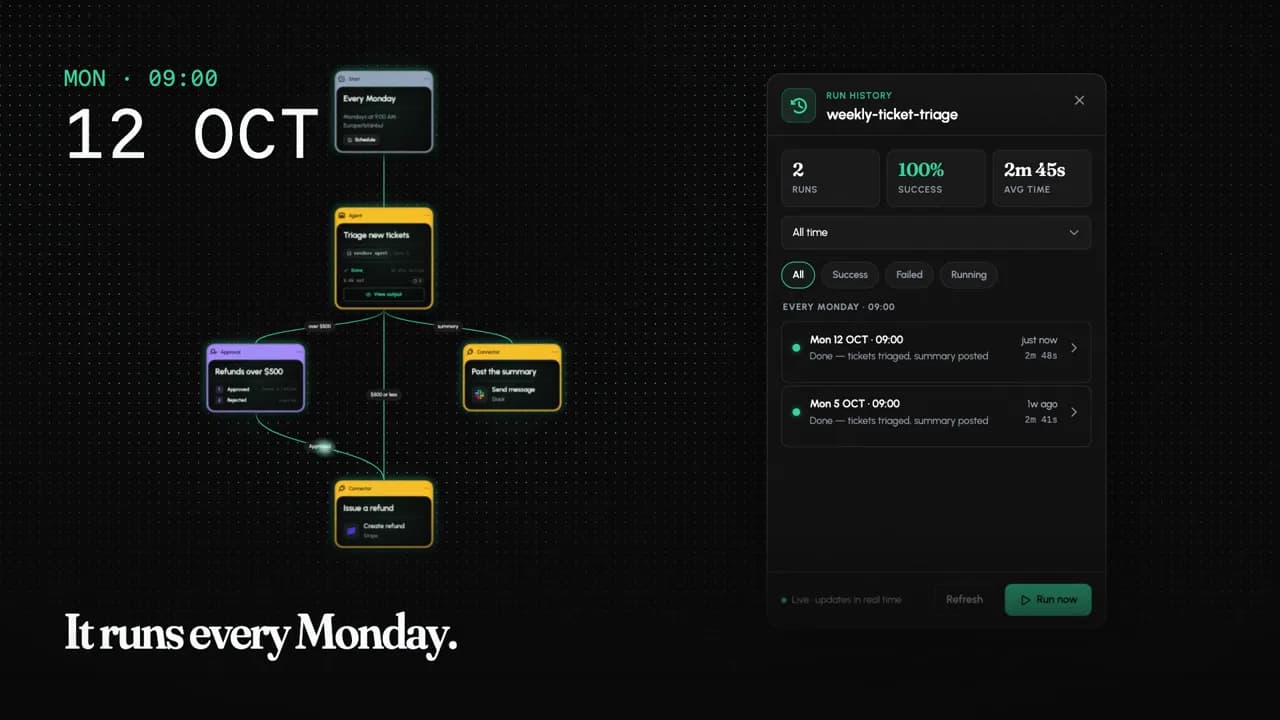
neonloops is an agentic workflow builder: you design the workflow — the trigger, the order, the approvals — and AI agents do the open-ended work inside it, for minutes or hours.
See it work.
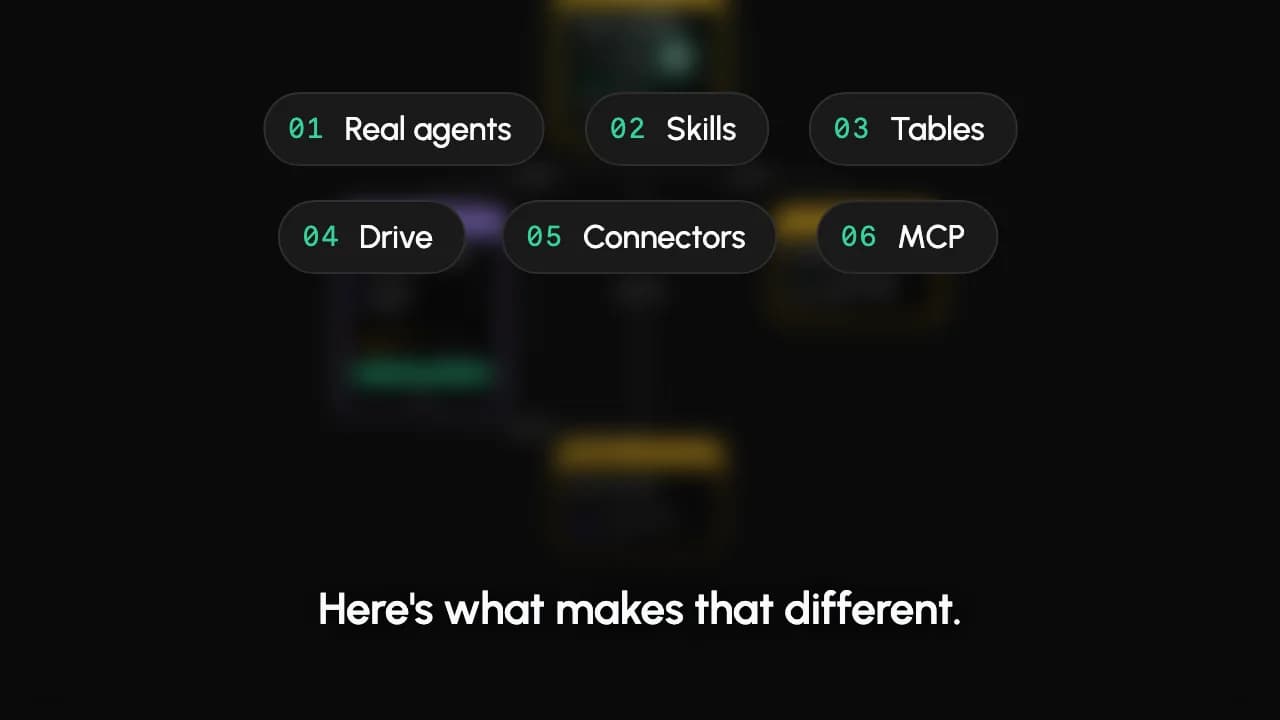
One workflow, start to finish. What makes it different. Your week, back. The same idea, three ways.
Plays from YouTube (youtube-nocookie.com).
Plays from YouTube (youtube-nocookie.com).
Plays from YouTube (youtube-nocookie.com).
Plays from YouTube (youtube-nocookie.com).
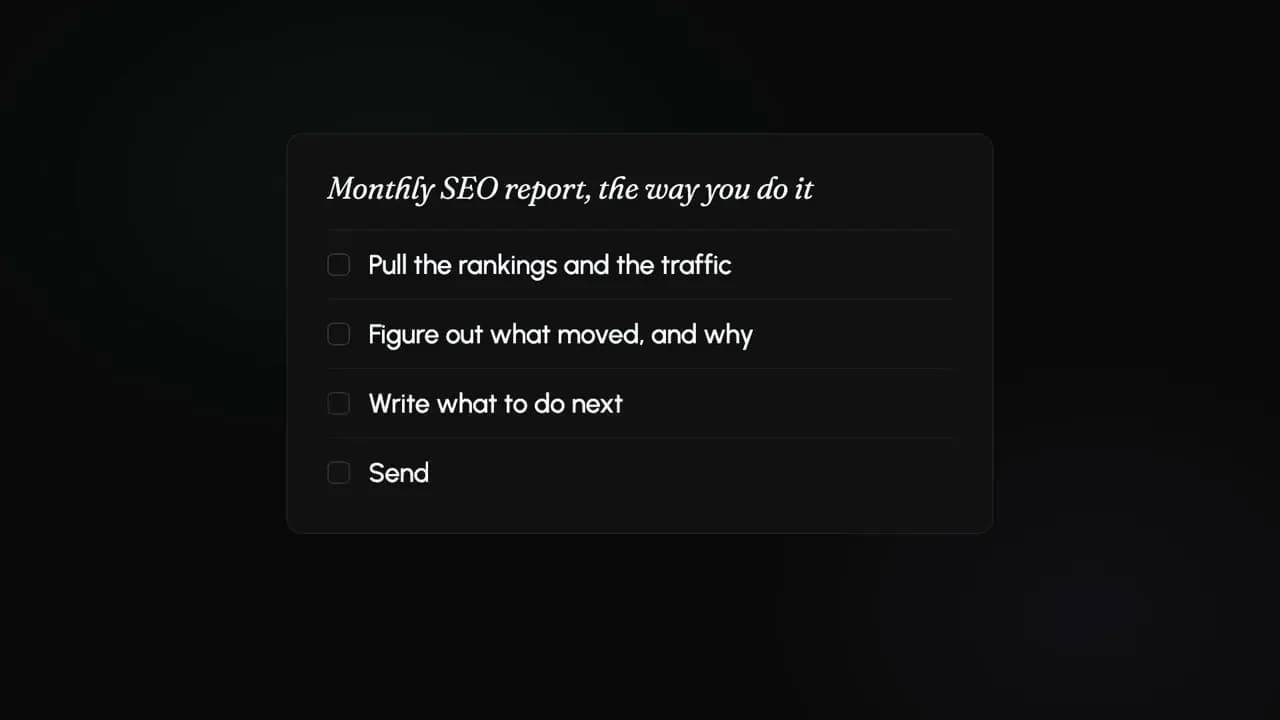
Plays from YouTube (youtube-nocookie.com).
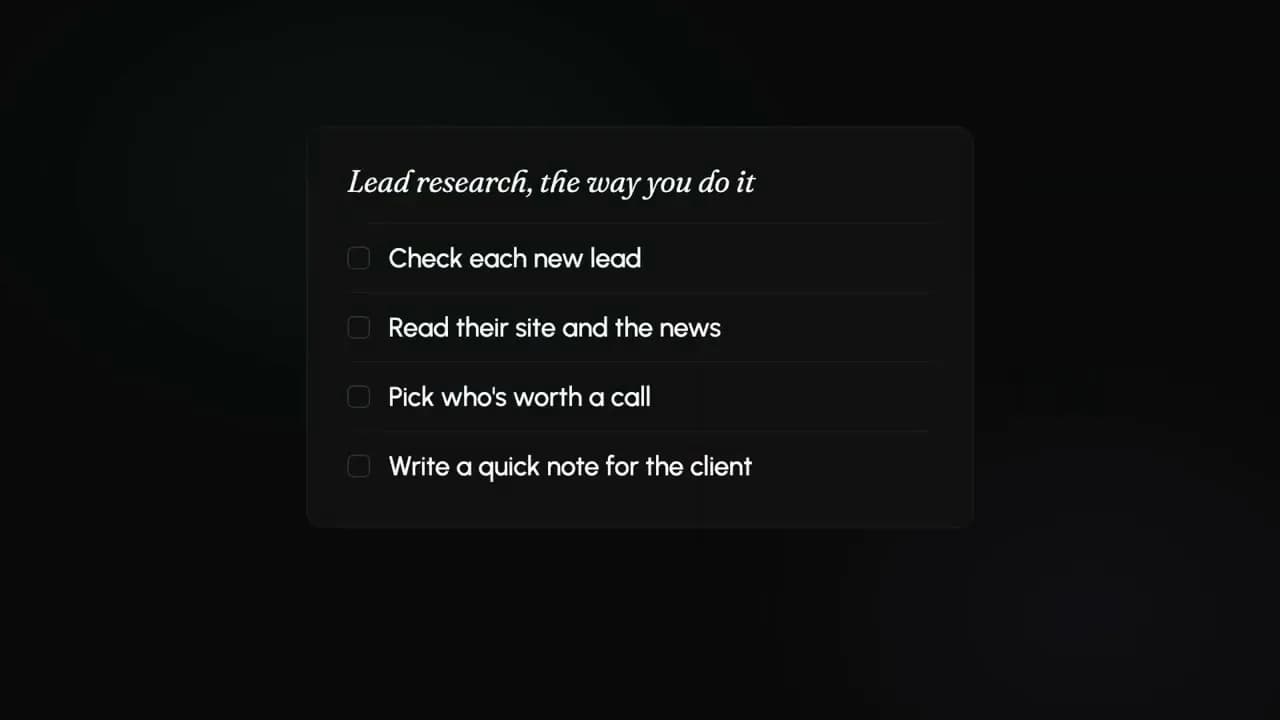
Plays from YouTube (youtube-nocookie.com).
Describe it. Watch it build.
Type the job in plain language and the steps drop in. One click and it's live — then it keeps going on its own, for minutes or for hours.
Jobs that take an afternoon.
A person asks for it on Friday. An agent spends four hours on it — reading, checking, deciding. Then the same right thing happens with the result, every time.
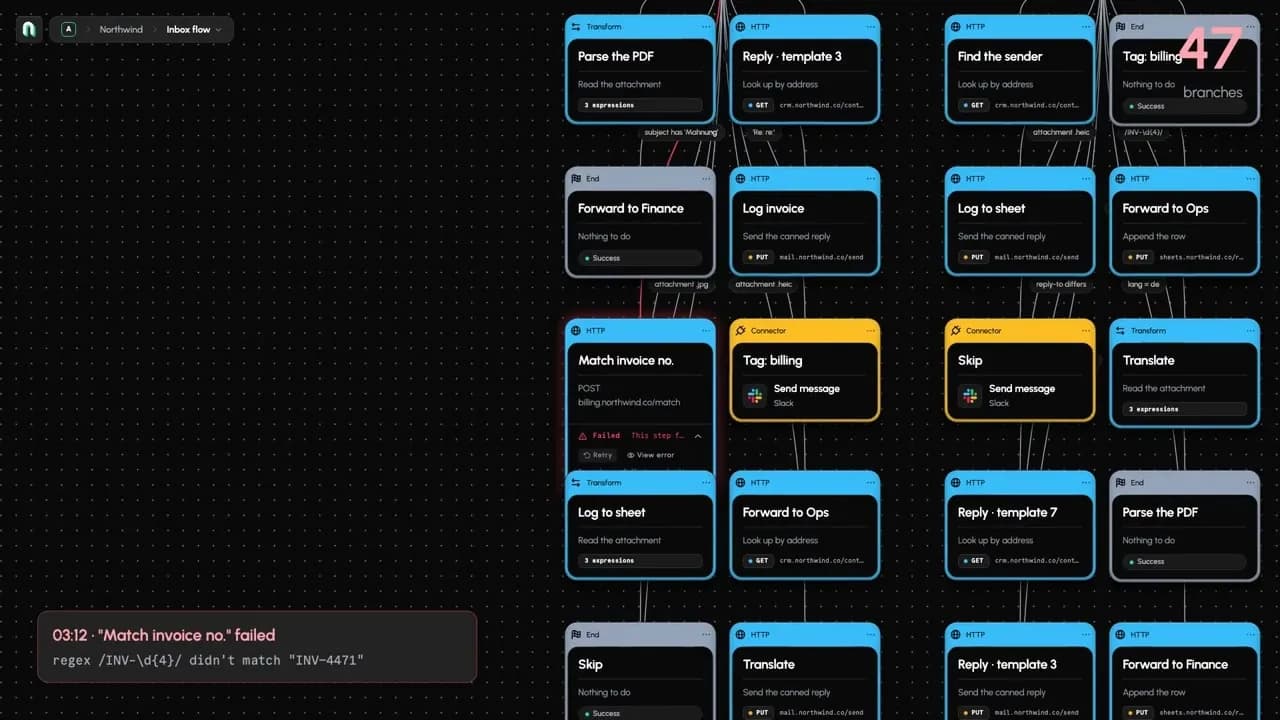
You can see everything it did.
The workflow itself: what triggers it, what order the steps run in, and where it waits for you.
Questions, answered.
neonloops is a visual builder for agentic workflows — you design the steps, AI agents do the open-ended work inside them. Here are the questions we hear most.
What is neonloops?
neonloops is a visual builder for agentic workflows — an AI workflow builder where the AI does more than answer. You describe the job in plain language and the workflow gets assembled for you, or you build it yourself on the canvas: what triggers it, what order the steps run in, where it stops for your approval. Inside it, AI agents do the part that can't be scripted — read the 400 invoices, work out which prices moved — and the workflow does the same right thing with whatever they produce, every time.
What is an agentic workflow?
An agentic workflow is an automation where AI agents decide how to get the job done, inside a structure you defined. A traditional workflow follows fixed if-this-then-that rules, and a single AI step just answers a prompt. An agentic workflow gives an agent an open-ended job — go through these contracts and flag the risky ones — lets it work its own way through hundreds of steps, and then handles the result deterministically: file it, assign it, or hold it for a human.
Why not just use an AI step in a normal workflow?
Because one AI step can only answer once. It reads what you hand it and returns a paragraph — it can't go looking, change its approach when the first answer is wrong, or keep working for an afternoon. Real jobs need that: reading a year of invoices, checking each one against its contract, chasing the ones that don't match. An agent works through that unpredictably, which is exactly why it needs a workflow around it.
Why not just ask an AI assistant to do it?
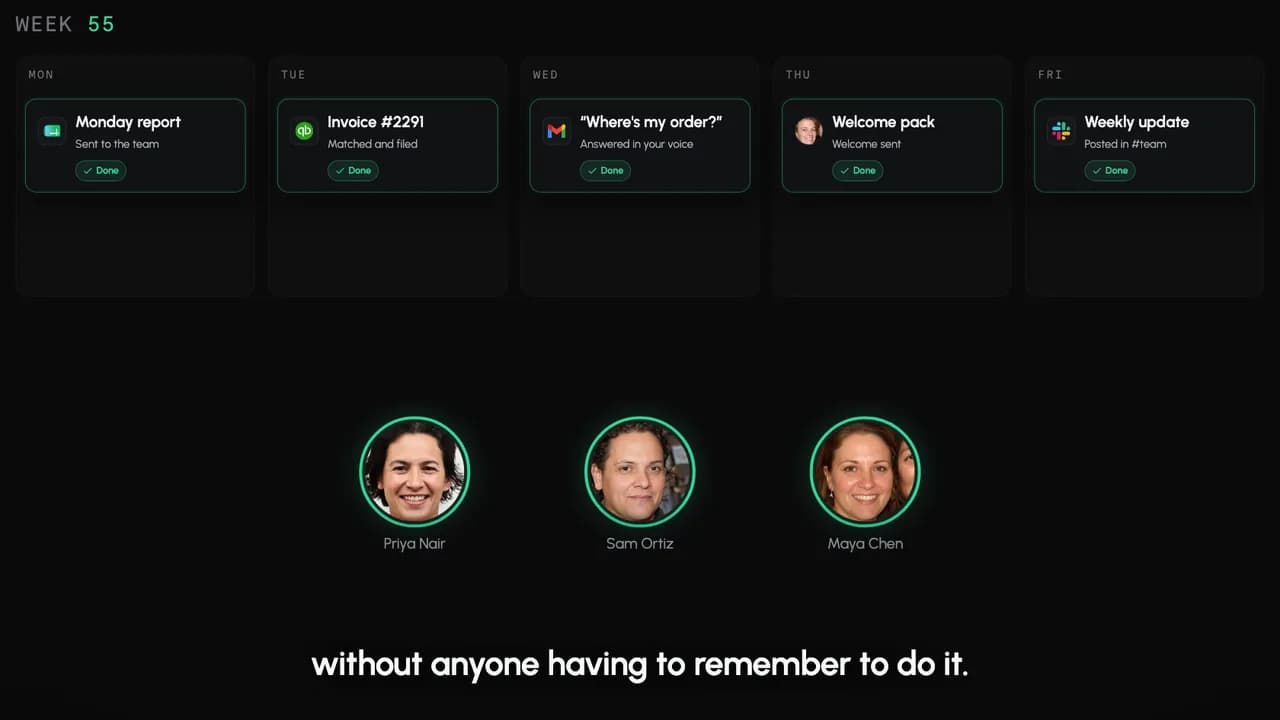
Because you'd have to ask — every time, and only when you remember to. An assistant answers when you open it and type. A workflow starts on its own: on the 1st of the month, or the moment an account cancels. It runs the same steps in the same order, pauses where you told it to wait for you, and leaves a record of what it did.
Getting a good answer isn't the hard part any more. Not having to be the one who asks for it is.
Can agents really run for hours?
Runs are durable today: they survive restarts, wait as long as they need to for an approval, and pick up where they left off — so a single run can legitimately span days. Agents working autonomously for hours inside those runs is what we're building now, and it's the point of the whole product. We'd rather tell you which half is which than let you find out later.
Which AI models can I use?
For the model steps — sorting, extracting, drafting — you can use OpenAI, Anthropic and Google, and mix them inside the same workflow: a cheap model to triage, a stronger one to reason. Model access is handled for you: we run the provider accounts behind every step, so there is no API key to go and find, paste in, or rotate later.
Agents are the exception, on purpose. We're building the long-running agent work on Claude's managed agent infrastructure, so agent steps use Claude models — that's the trade for an agent that keeps working for hours instead of answering once. Either way, every run reports the tokens it used, per step, so a long job is never a black box.
How am I charged?
For the time your work is actually working — the minutes a workflow or an agent spends genuinely doing something for you. Not per seat, not per run, and there are no tiers to pick between: every feature is included for everyone.
Three things fall out of that, and they are the reassuring part. Waiting doesn't bill: a workflow parked three days on a human approval bills nothing for those three days. Runs are counted but never charged, so a trigger that fires 400 times and exits every time costs nothing — a run one of those events actually starts bills like any other. And you set the ceiling yourself: when your work reaches it, we stop it, and usage is never charged past it — VAT, where it applies, comes on top. Everything you have already built stays open to read. Tables, files and skills export any time; workflows and run history export on request.
There's no trial: a workspace adds a card and is priced per billable minute from the start, against the ceiling you set. The rate is on your billing screen before you ever start — nothing about what you're charged is a surprise.
What can I build with it?
Work that repeats, needs real judgement, and eats hours, days or weeks depending on the month. Auditing a year of supplier invoices for price rises. Reading every contract for the ones that auto-renew. Reviewing three thousand product listings. Reconciling a month of payments and chasing the mismatches. Writing up why an account churned.
The test is whether you could write the steps down in advance. If you can, an ordinary workflow will do it and you don't need an agent. Agents earn their place where the path changes with whatever they find — every invoice is laid out differently, every contract words the clause differently — and where the job runs long enough that nobody wants to sit through it. That unspecifiable middle is exactly the part they take over.
Do I need to know how to code?
No. You describe what you want in plain language and the workflow gets built for you; you can also drag the steps yourself on the canvas, and say what each one should do in plain language too. Every node has a developer view when you want exact control over a prompt or a payload, but you can design, test and run a workflow without writing any code.
Can I stop it before it does something?
Yes, and this is the part that makes agents usable. You can put an approval step anywhere: the run pauses, waits for you — for minutes or for days — and only continues once you say so. Nothing goes out, gets paid, or gets published without the sign-off you asked for, no matter what the agent decided.
Can I use neonloops from Claude, Cursor or ChatGPT?
Yes. neonloops has an MCP server, so you can keep working where you already are — connect Claude, Cursor, ChatGPT, or any other MCP client, and it can build or run a workflow, check on a run, approve a step, or read a table for you.